Overview
The Estimated vs Actual Fuel Use view compares GPS-estimated fuel consumption from trip activity against actual fuel transaction records for each asset. Use it to identify discrepancies that may indicate data gaps, fuel theft, or inaccurate fuel burn rates.
Prerequisites
- You are logged in to Nuonic.
- Your GPS telematics provider is connected and supplying trip data.
- Fuel acquisition records have been uploaded for the same period.
Steps
- In the left sidebar, select
Fleet Analysis, thenEstimated vs Actual Fuel. - Set the
Date rangeto the period you want to compare. - Review the table showing estimated fuel use (from GPS trips) vs actual fuel transactions for each active asset.
- Select
Back to Summaryto return to the Fleet Analysis overview.
Screenshots
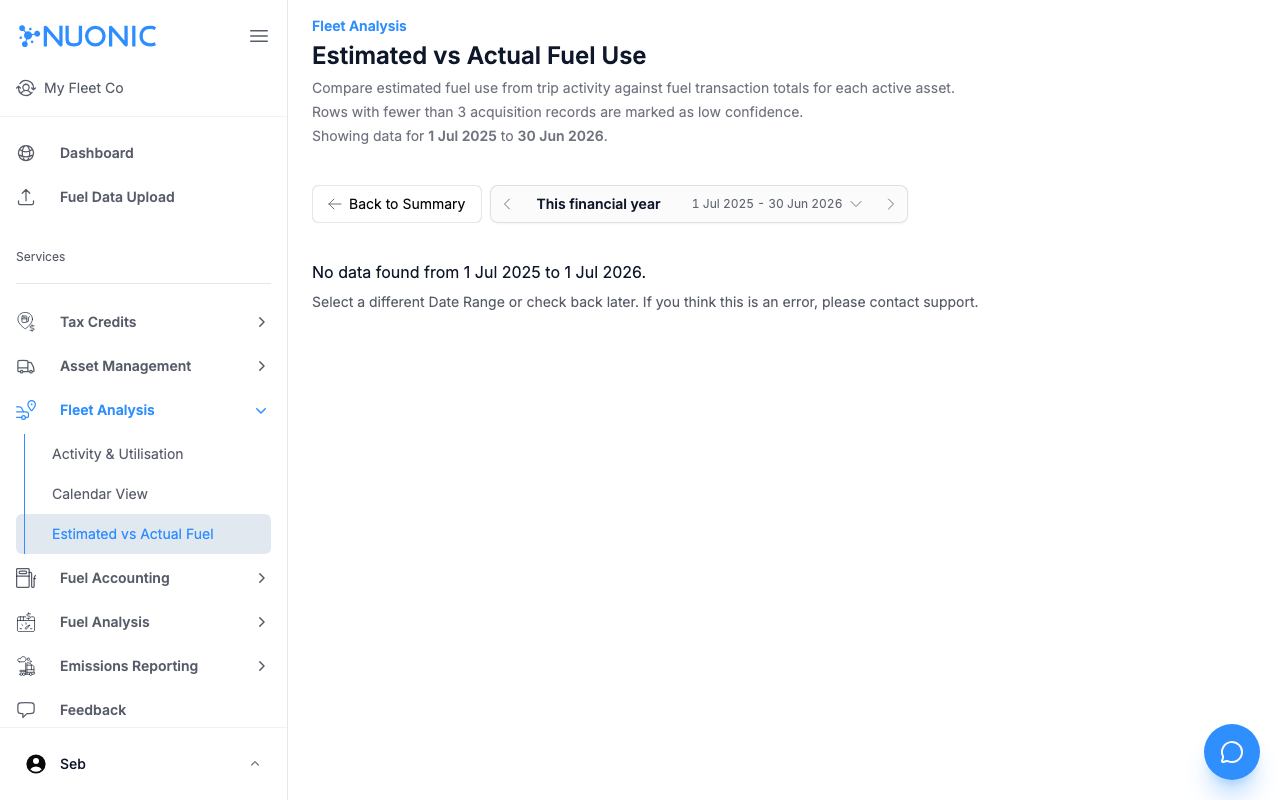
The Estimated vs Actual Fuel Use page compares GPS trip estimates against uploaded fuel transaction records. Rows with fewer than 3 acquisition records are marked as low confidence.
Troubleshooting
- If no data appears, ensure both GPS trip data and fuel acquisition records exist for the selected period.
- Rows marked low confidence have fewer than 3 acquisition records — upload more fuel data to improve accuracy.