Overview
Plan changes are managed through account settings or support, depending on your tenant configuration.
Steps
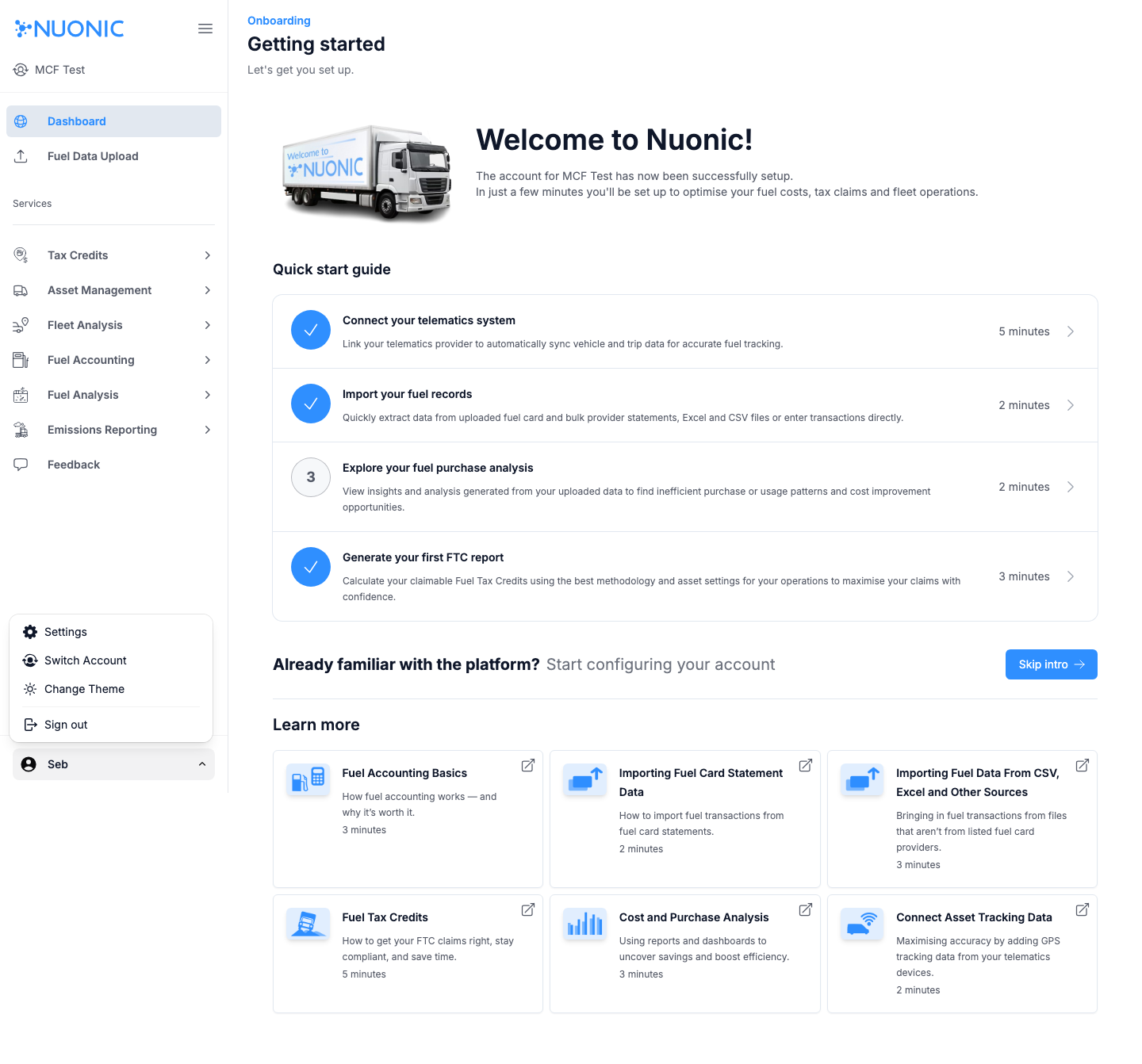
- Open the user menu (
Sebin the bottom-left). - Select
Settings. - Check for subscription or plan options.
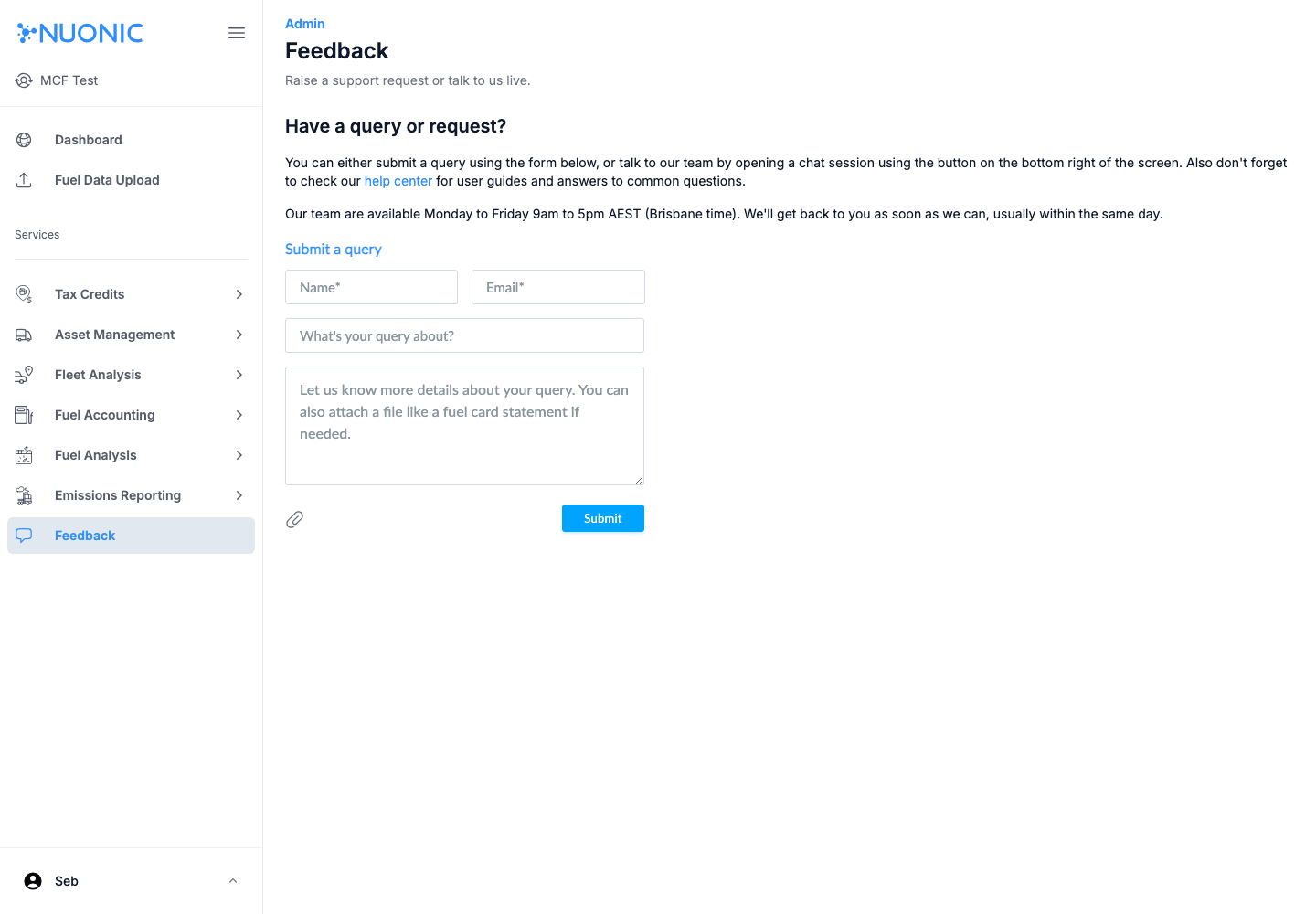
- If no plan controls are available, open
Feedbackand request a plan change with your preferred tier and effective date.
Screenshots
Troubleshooting
- If
Settingsis unavailable, confirm your role permissions. - If billing controls are missing, submit via
Feedbackand include your account/client name.