Overview
Update your display name (nickname) on your Nuonic user account from the User Details settings page.
Prerequisites
- You are logged in to Nuonic.
Steps
- In the left sidebar, select
User Detailsunder Settings. - Update the
Nicknamefield with your preferred display name. - Select
Save.
Screenshots
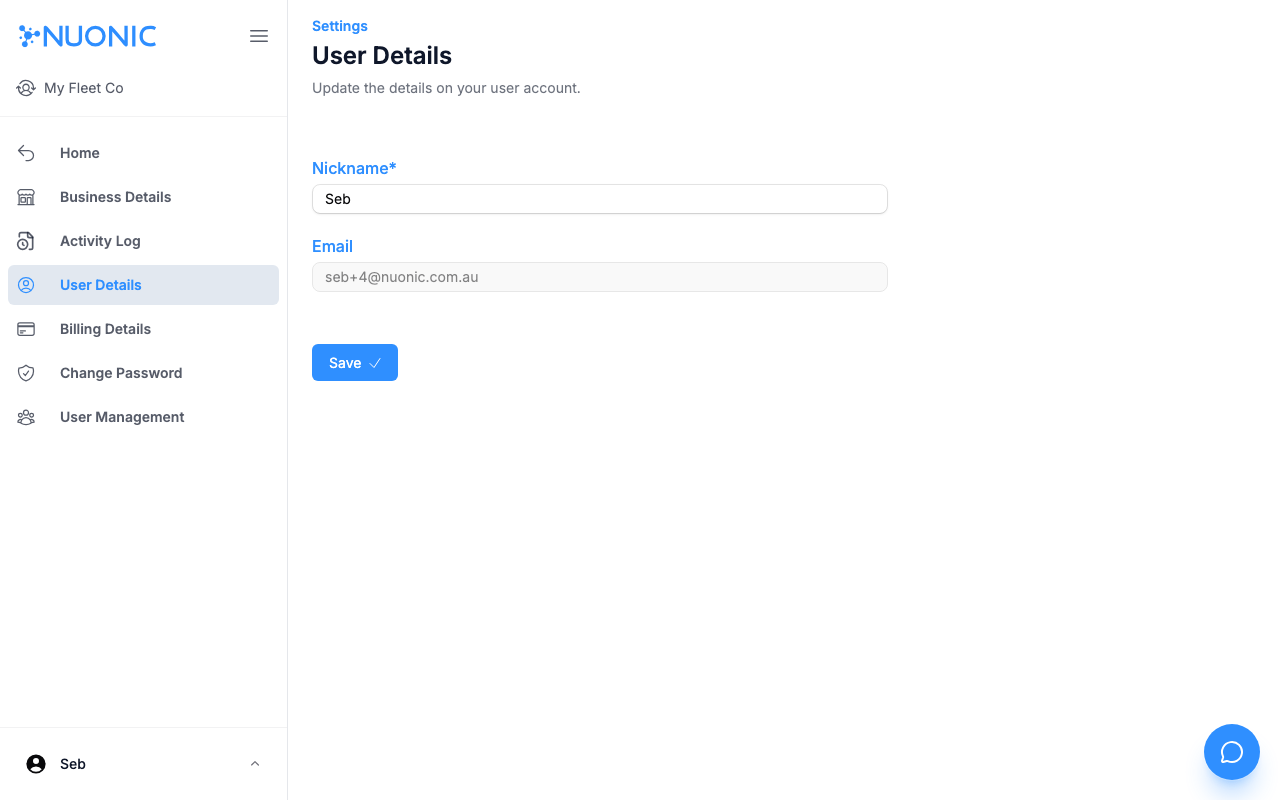
The User Details page shows your editable nickname and your read-only email address.
Troubleshooting
- The
Emailfield cannot be changed here. Contact our team if you need to update your login email. - If
Saveremains disabled, confirm theNicknamefield is not empty.