Overview
Update account profile details in settings and submit billing changes through support where direct billing fields are not exposed.
Steps
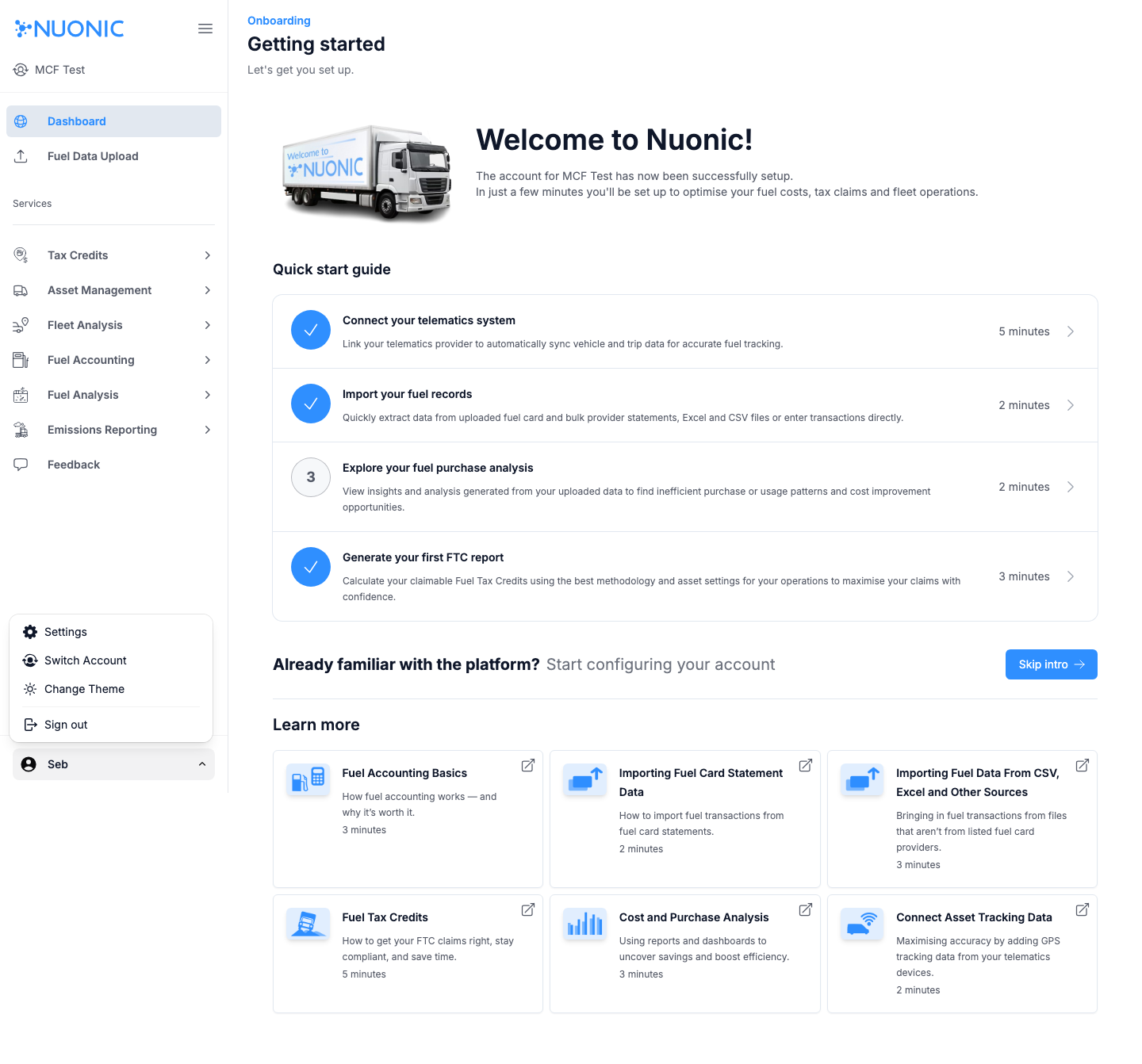
- Open the user menu and select
Settings. - Update available account fields (for example profile/contact details).
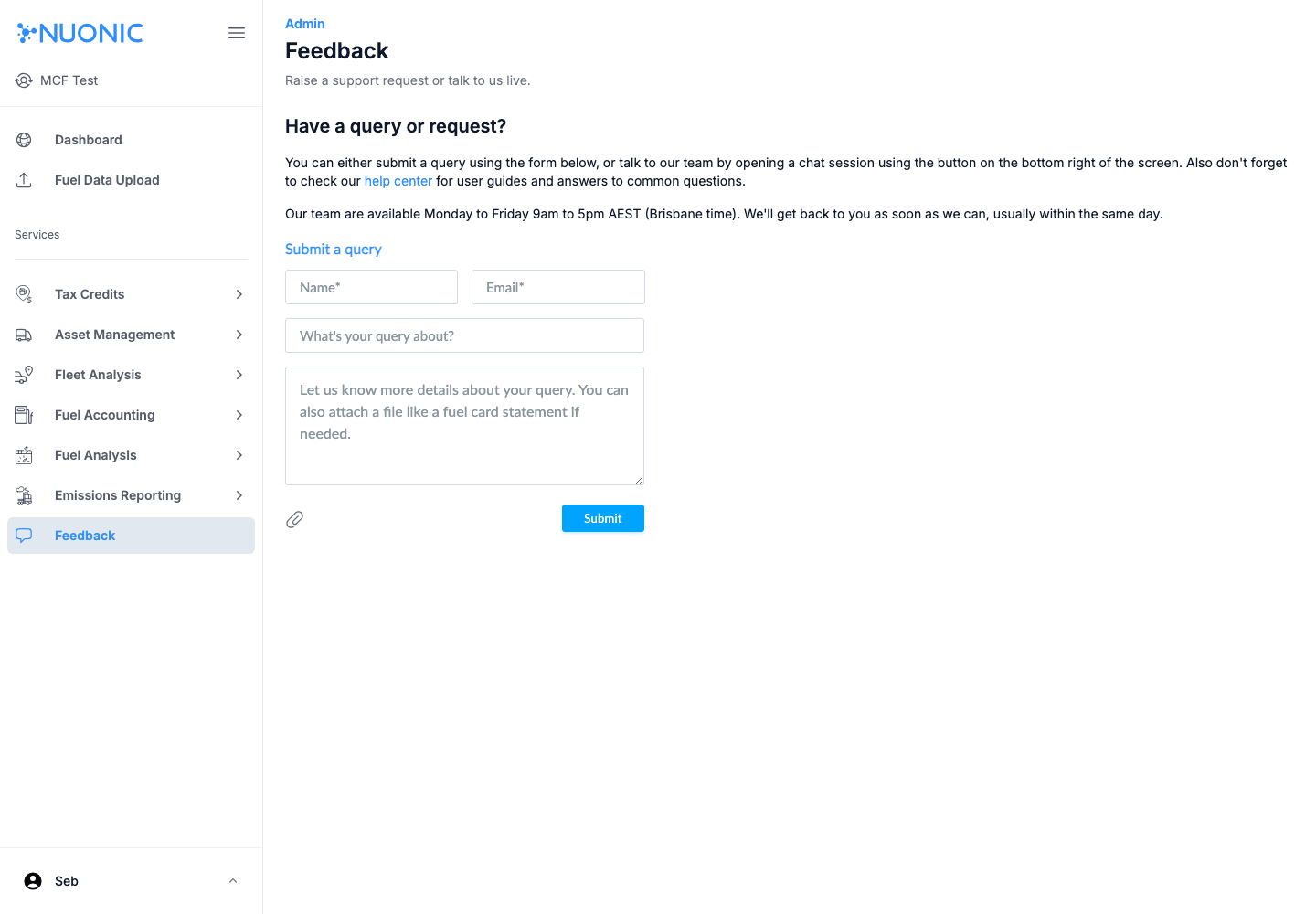
- For billing contact, invoice recipient, or company billing details, open
Feedback. - Submit a request with your client name and exact billing fields to update.
Screenshots
Troubleshooting
- If settings changes do not persist, refresh and verify with your admin user.
- If billing edits are urgent, include priority and effective date in your feedback request.