Overview
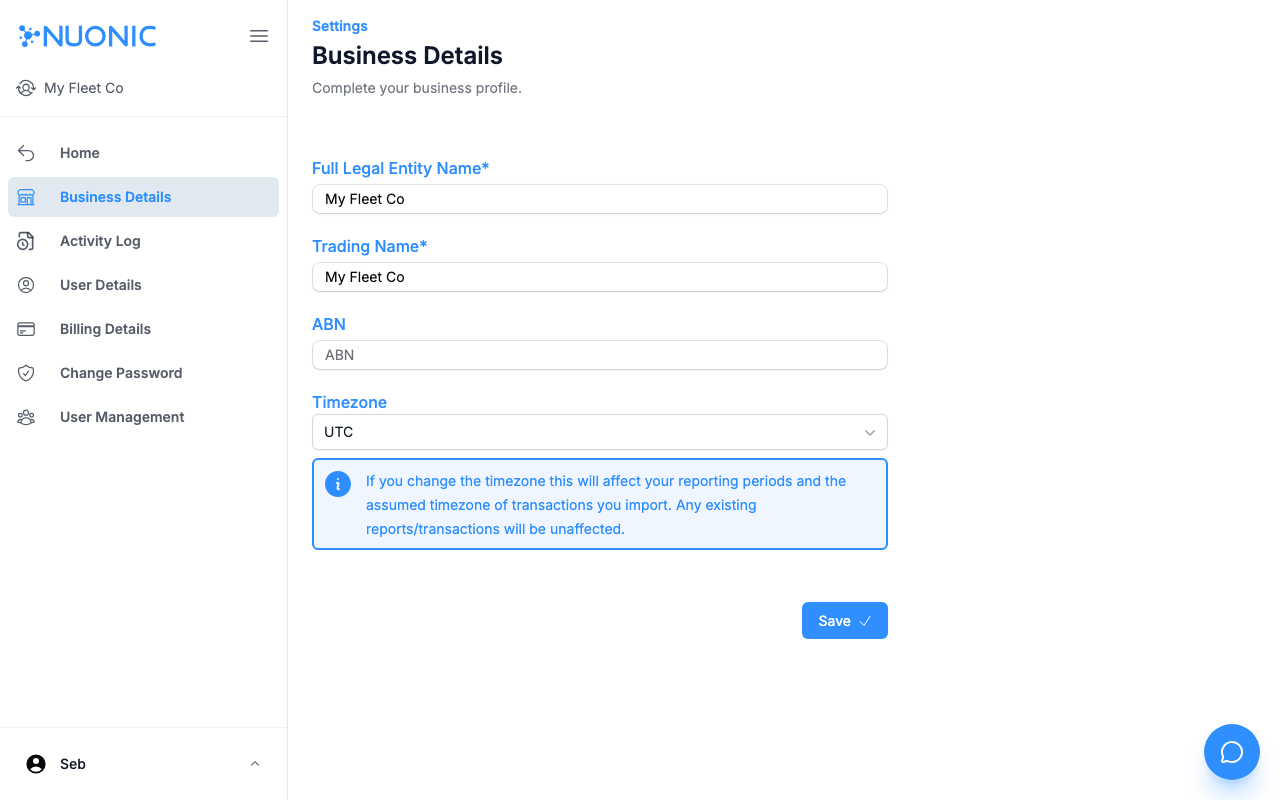
Update your organisation's legal name, trading name, ABN, and reporting timezone from the Business Details settings page.
Prerequisites
- You are logged in to Nuonic with a
Client Adminrole.
Steps
- In the left sidebar, select
Business Detailsunder Settings. - Update any of the following fields:
Full Legal Entity Name— your organisation's registered legal nameTrading Name— the name displayed across NuonicABN— your Australian Business NumberTimezone— the timezone used for all reporting periods and transaction imports
- Select
Save.
Screenshots
The Business Details page lets you update your legal entity name, trading name, ABN, and timezone. Note the timezone warning — changing it affects all future reporting periods.
Troubleshooting
- If
Saveis disabled, check that all required fields are filled in and your ABN is valid. - Changing the
Timezoneaffects future reporting periods and transaction imports — existing reports are not affected.