Overview
The Activity Log records all organisation changes, user activity, and report generation events in a chronological timeline. Use it to audit what actions have been taken in your account, by whom, and when.
Prerequisites
- You are logged in to Nuonic with a
Client Adminrole.
Steps
- In the left sidebar, select
Activity Logunder Settings. - Use the
Date rangeselector to filter by period. - Use the
Actiondropdown to filter by event type (e.g. Create, Update, Delete). - Use the
Sectiondropdown to filter by area of the product (e.g. Auth, Fuel Accounting, Users). - Select any log entry to open a detail panel showing the user ID, client ID, and full event parameters.
- To export the log, select
Download CSV.
Screenshots
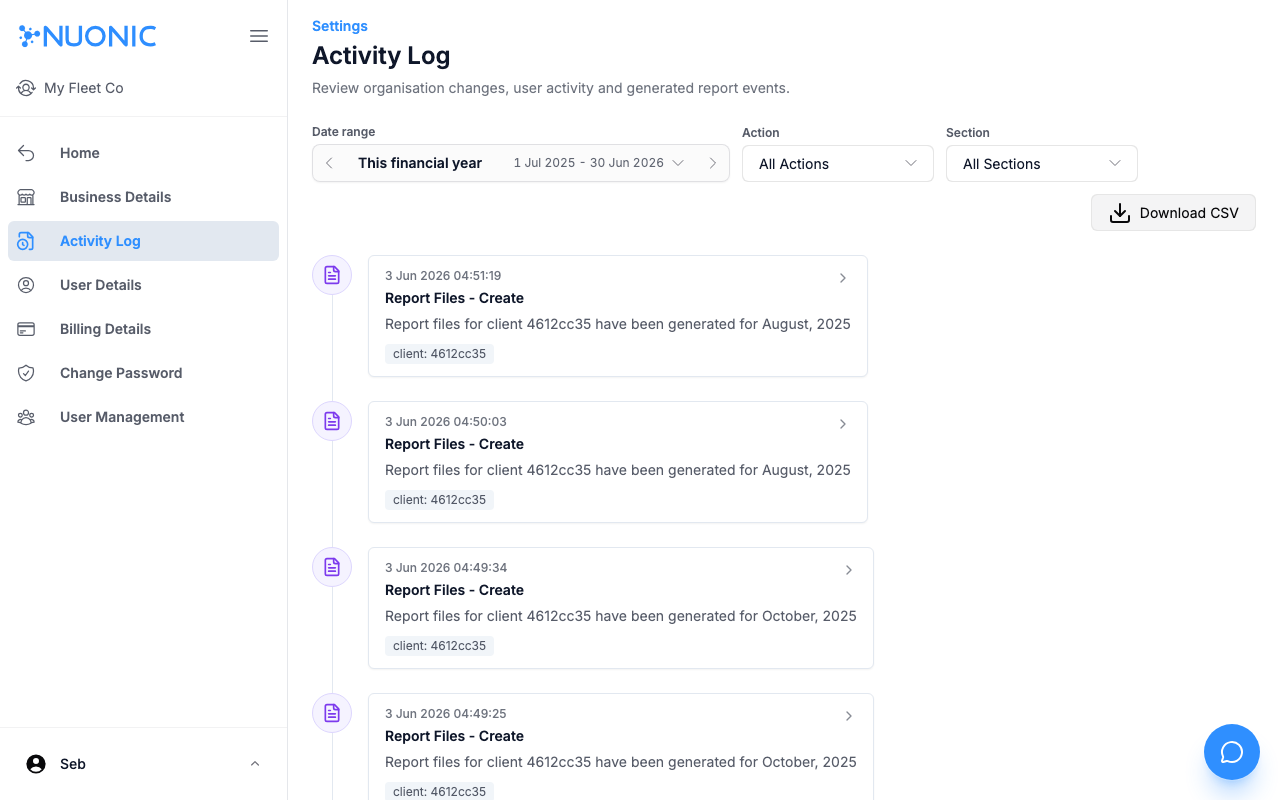
The Activity Log shows a timeline of events filtered by date range, action, and section. Each entry shows the timestamp, event title, description, and the client or user it applies to.
Troubleshooting
- If
Activity Logis not visible in the sidebar, your account does not haveClient Adminpermissions. - If no entries appear, try widening the date range or resetting the
ActionandSectionfilters toAll.