Overview
Create your Nuonic account using the self sign up process, then continue setup from the in-app onboarding dashboard.
Prerequisites
- You have access to
https://nuonic.com.au. - You have an active business email address.
Steps
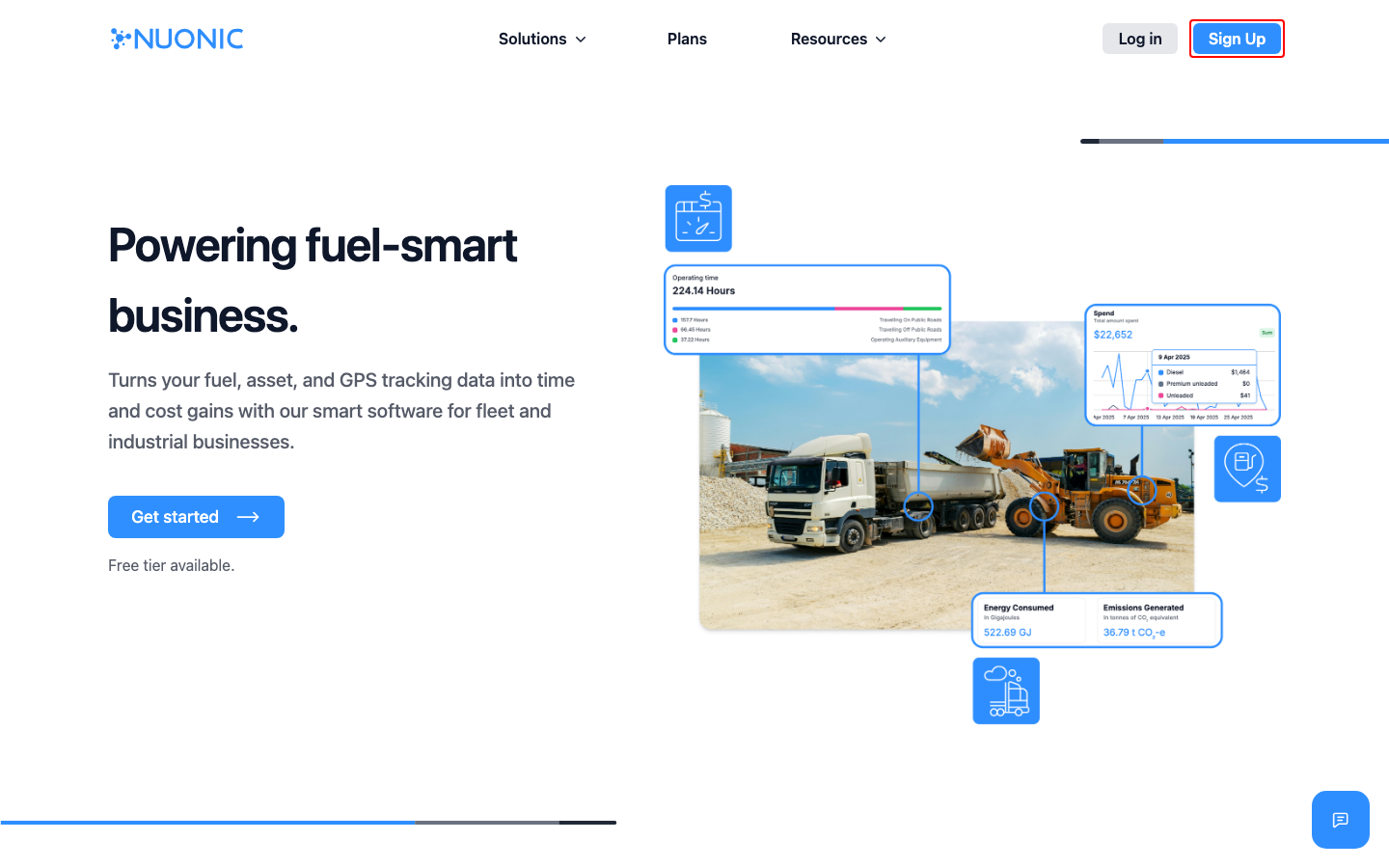
- Open
https://nuonic.com.au. - On the first screen, select
Sign Up. - On the
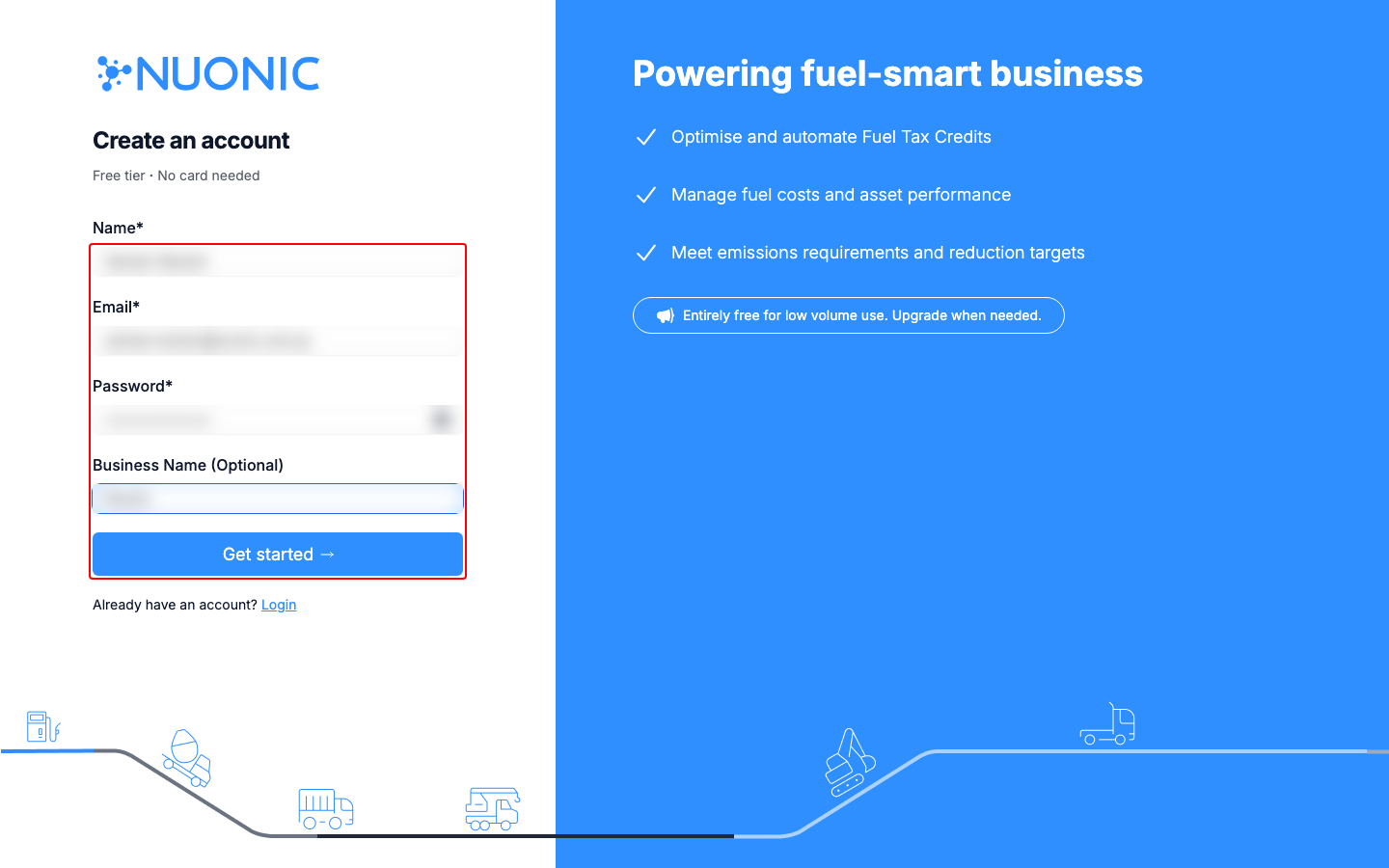
Create an accountpage, enter:
NameEmailPasswordBusiness Name (Optional)
- Select
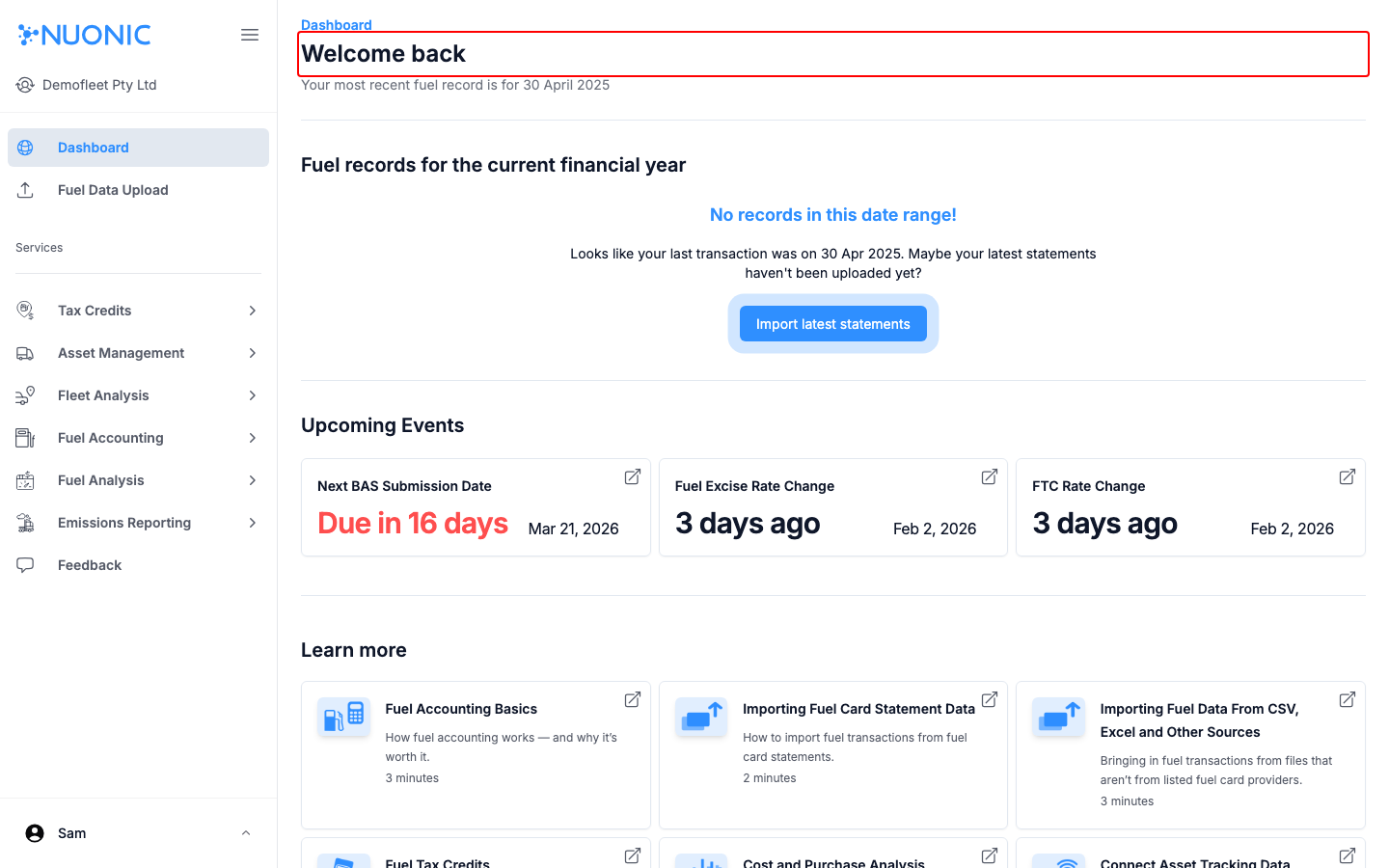
Get started. - Confirm you are redirected into Nuonic and can see the
Welcome backdashboard area.
Screenshots
Troubleshooting
- If
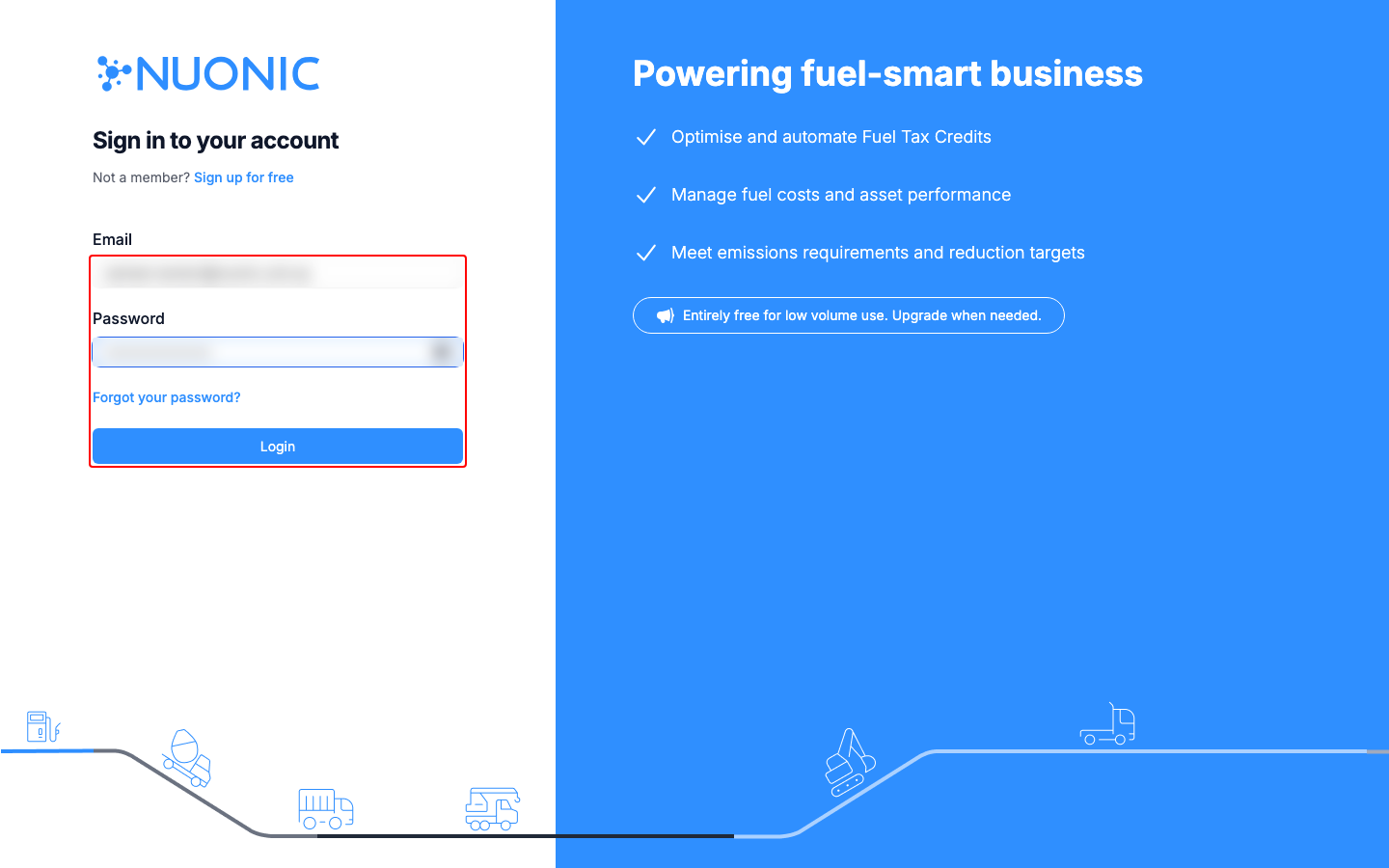
Get starteddoes not proceed, confirm all required fields are entered. - If you are not redirected after signup, open
https://web.nuonic.com.au/loginand sign in manually. - If login fails, use
Forgot your password?on the login page.