Overview
If you are an existing Prism user, start with the email address and password you used for Prism. You may be prompted to set a new password for Nuonic during your first sign-in.
Steps
- Open the Nuonic login page at
https://web.nuonic.com.au/login. - Sign in using your existing Prism email address and password.
- If prompted, follow the instructions to set a Nuonic password, then sign in again with that password.
- Confirm you can access your Nuonic account.
Screenshots
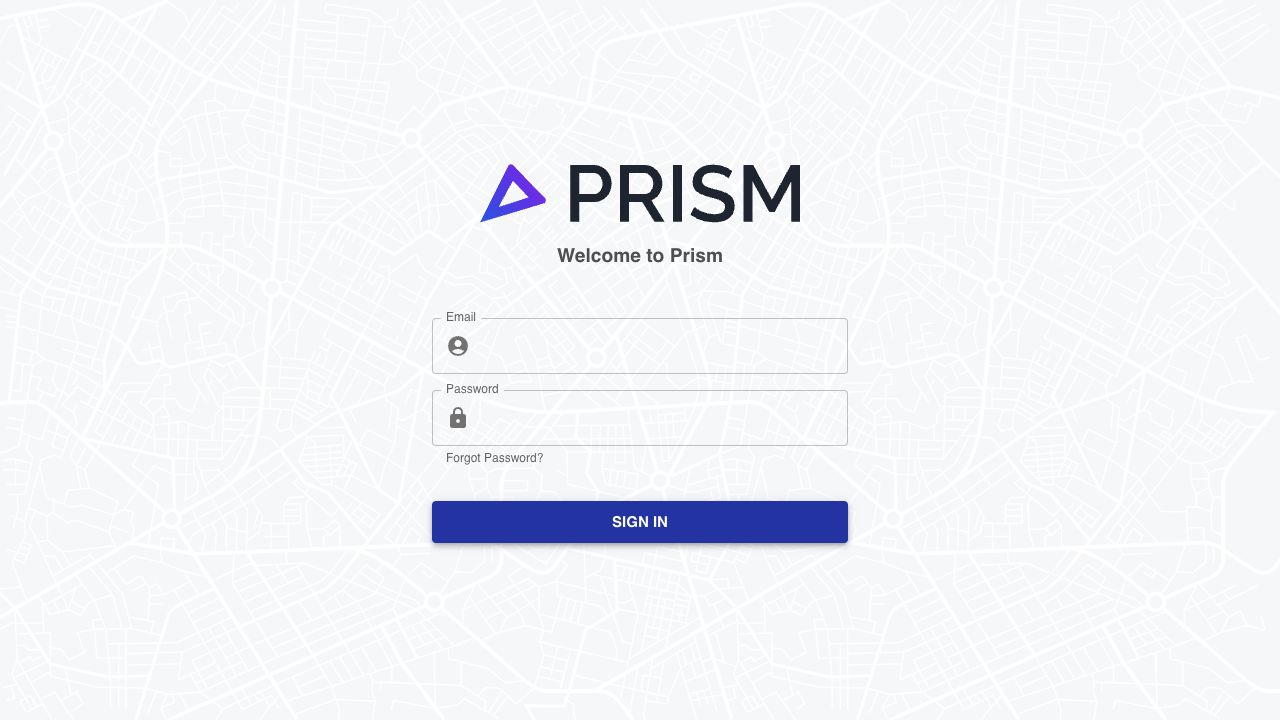 Shows the Prism login page for existing users who need to confirm or recover their current login details.
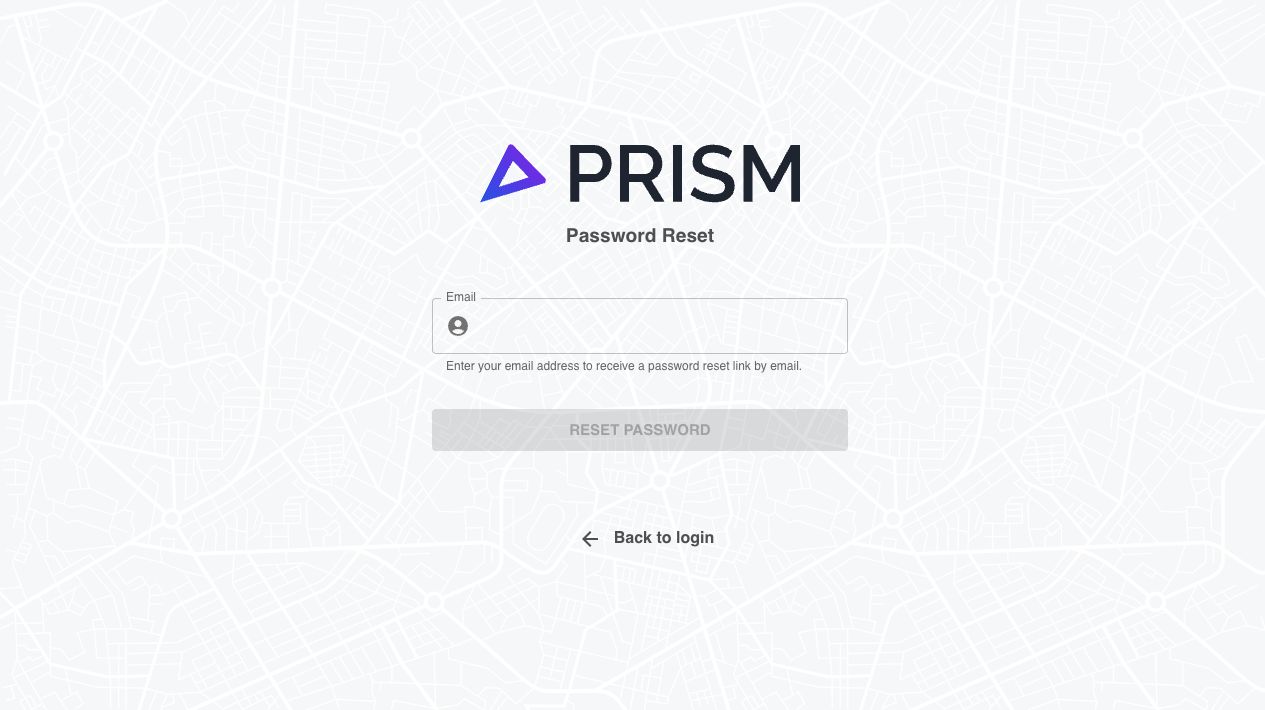 Shows where to reset your Prism password before signing in to Nuonic if you no longer remember it.
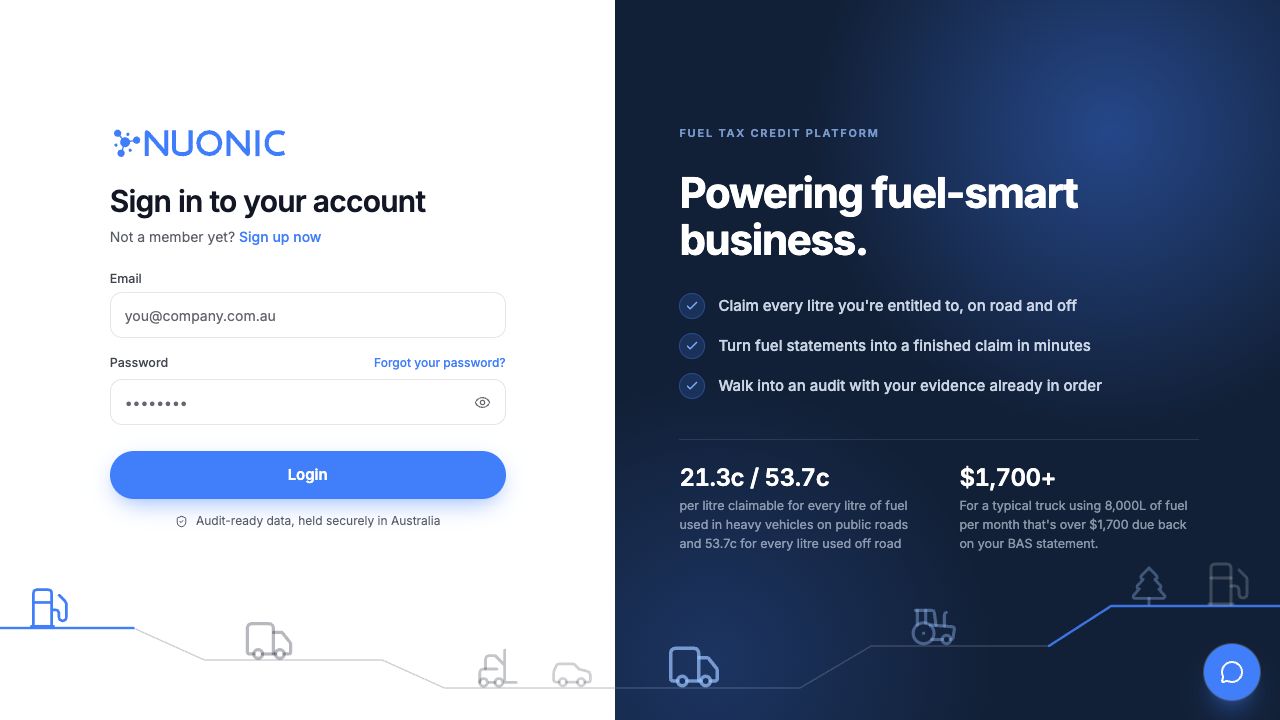 Shows the Nuonic login page where existing Prism users sign in using their current Prism credentials.
Troubleshooting
- If you do not remember your Prism password, open
https://web.prismapp.com.au/loginand selectForgot Password?, then complete the reset steps before trying again in Nuonic. - If you still cannot access your account, contact support@nuonic.com.au.