Overview
Request a password reset link via email from the login page if you have forgotten your Nuonic password.
Prerequisites
- You have access to the email address registered with your Nuonic account.
Steps
- Open
https://web.nuonic.com.au/login. - Select
Forgot your password?. - Enter your account
Emailaddress. - Select
Send reset password email. - Check your inbox for an email from Nuonic and follow the link to set a new password.
Screenshots
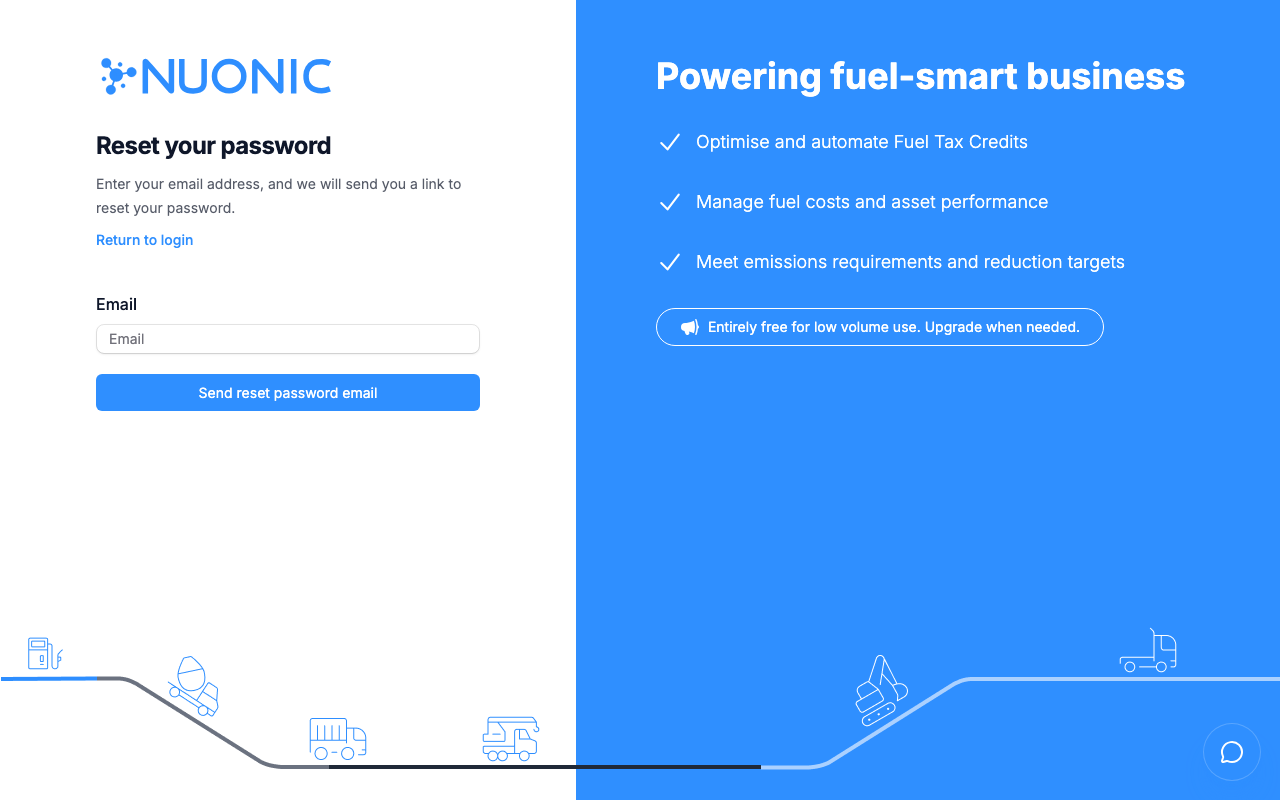
Enter your email address on the Reset your password page and select Send reset password email.
Troubleshooting
- If the reset email does not arrive, check your spam or junk folder.
- The reset link expires after a short period — if it has expired, repeat the process to receive a new link.
- If you no longer have access to your registered email address, speak with our team.