Overview
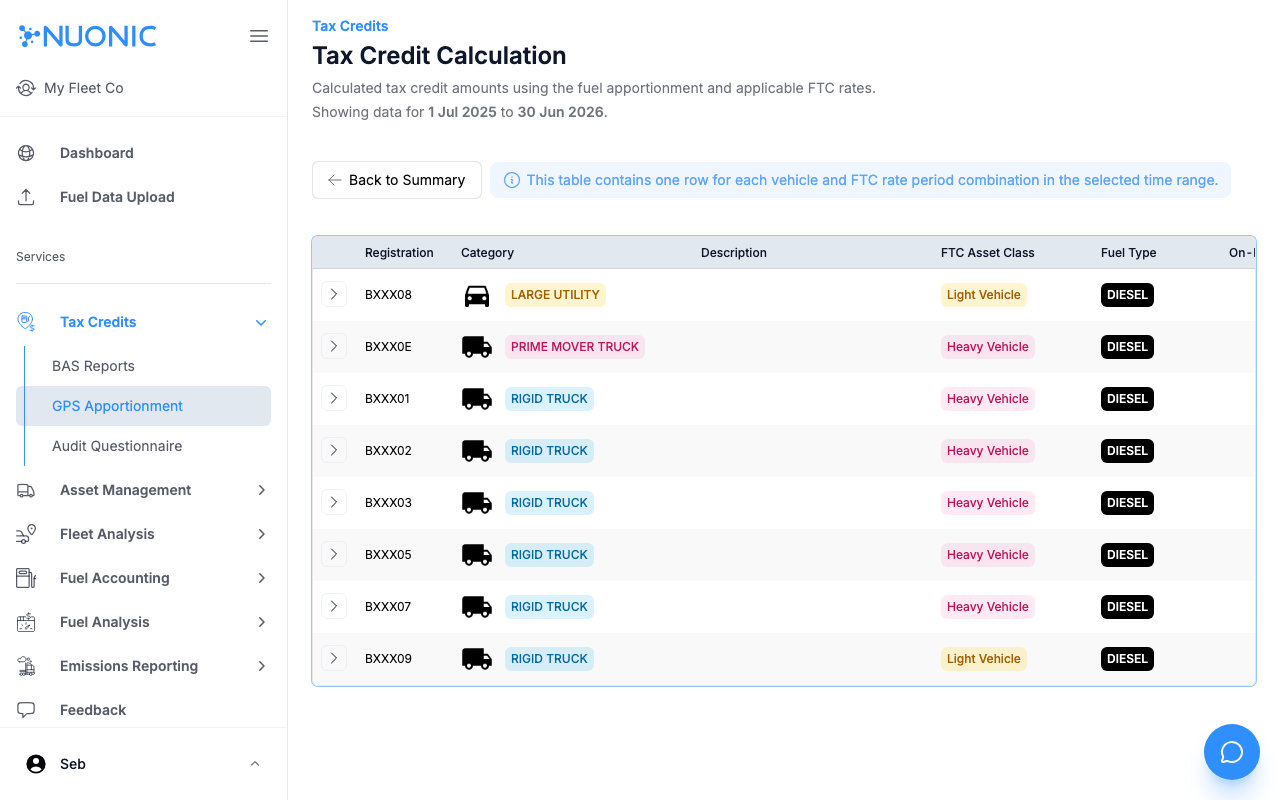
The Tax Credit Calculation page shows the calculated FTC amounts for each vehicle and ATO rate period combination, derived from your GPS fuel apportionment data and the applicable FTC rates. Use it to verify the amounts before generating a report.
Prerequisites
- You are logged in to Nuonic.
- GPS trip data and fuel apportionment data are available for the selected period.
Steps
- In the left sidebar, select
Tax Credits, thenGPS Apportionment. - Select
Tax Credit Calculationfrom the GPS Apportionment navigation. - Review the table — each row represents one vehicle and FTC rate period combination.
- Verify that the calculated amounts look correct before proceeding to create a GPS FTC report.
Screenshots
The Tax Credit Calculation page shows one row per vehicle per FTC rate period, with calculated credit amounts based on apportioned fuel use and current ATO rates.
Troubleshooting
- If no data appears, confirm GPS trip data and fuel apportionment data exist for the selected period.
- If calculated amounts seem incorrect, review fuel apportionment settings and asset fuel consumption rates.